Create · Schedule · Grow
Every cut deserves
a crowd.
Lineup turns the clips you already film between clients into a posting schedule that fills your book — edits, captions, and timing handled while you cut.
Free while in beta · iPhone · open on your phone to install
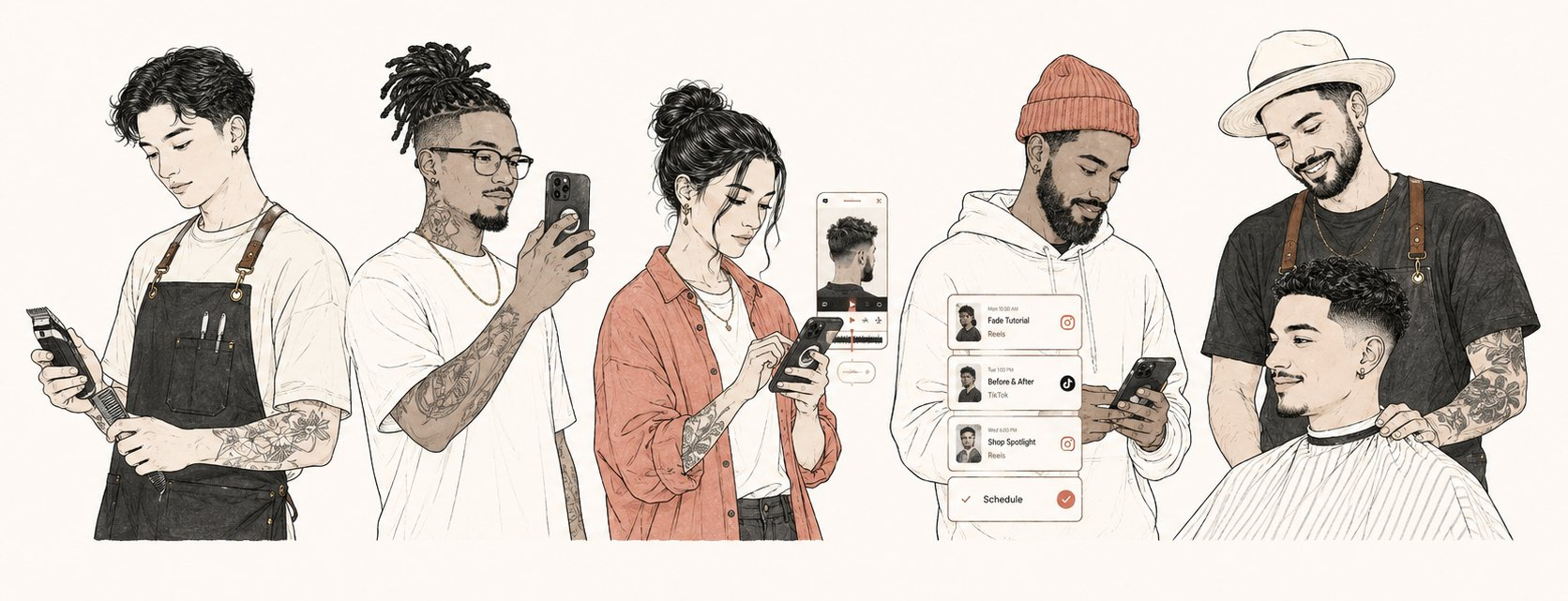
From the chair to the feed, in one line.
No editor, no ring light, no “I’ll post it later.” Three steps, and the third one happens without you.
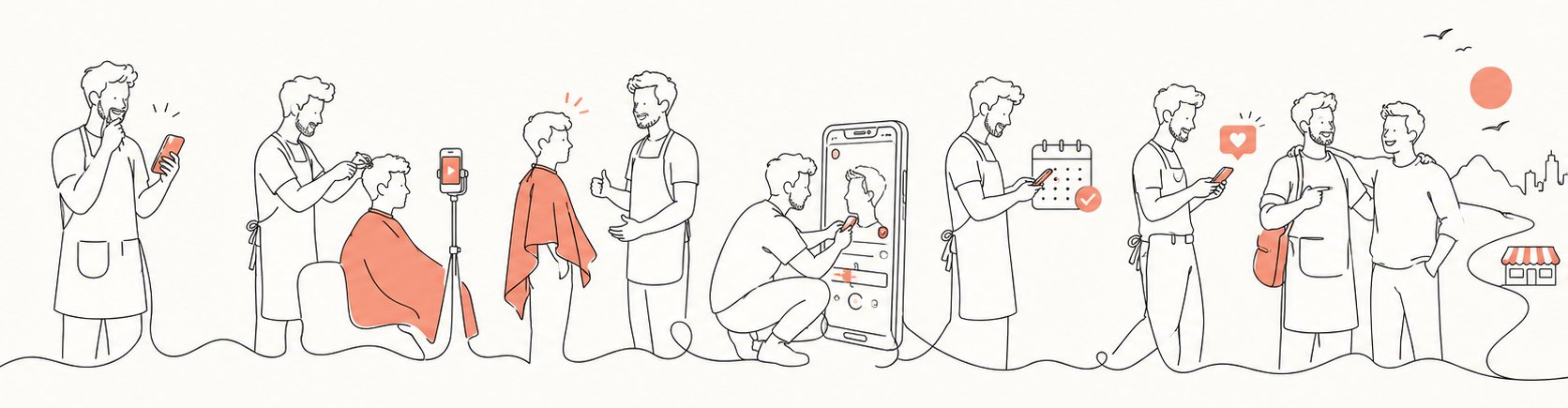
-
Film the cut
Prop your phone, hit record, do what you already do. Raw footage is enough — shaky angles and shop noise included.
-
Lineup makes it post-ready
AI finds the reveal, cuts to the beat, writes a caption in your voice, and picks a cover frame that actually sells the fade.
-
It posts while you cut
Your week gets queued to the times your audience scrolls — Reels and TikTok — and the DMs turn into bookings.
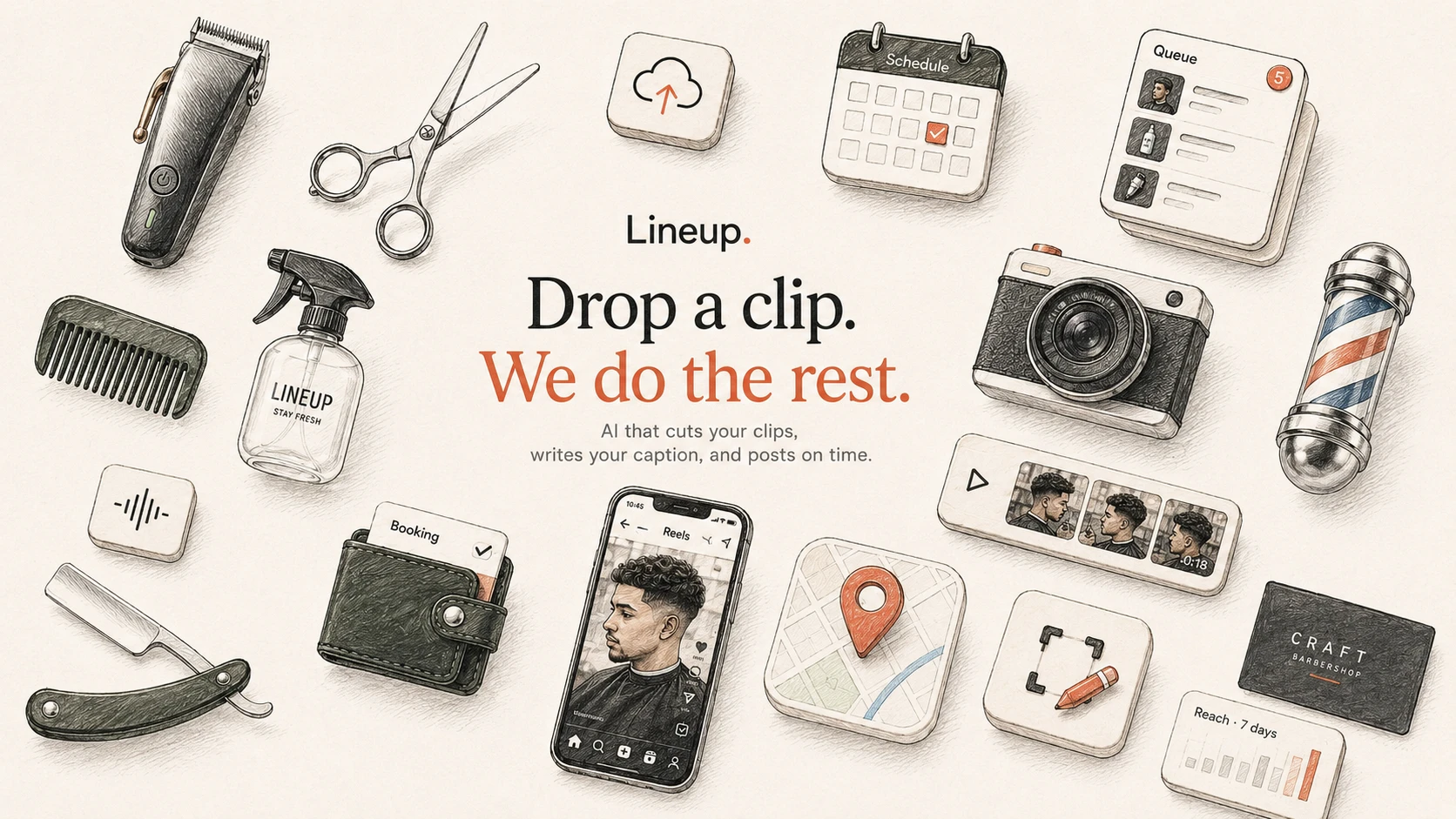
Drop a clip. We mean it.
One upload kicks off the whole machine. Here’s what runs the moment your clip lands:
-
Auto-edit that finds the revealTrims dead air, syncs cuts to the track, and lands on the turn-around moment every time.
-
Captions in your voiceLearns how you talk from your past posts — hooks, hashtags, and the slang you’d actually use.
-
A queue tuned to your audiencePosts when your followers are on — lunch rush, after close — across Instagram and TikTok.
Your whole week, queued in one tap.
Sunday night, couch, ten minutes: pick the clips, glance at the captions, hit Schedule. Lineup spreads them across the week so your page never goes quiet — even when the shop is slammed.
- Best-time slots learned from your own audience
- One queue for Reels and TikTok
- Swap, reorder, or pause without breaking the rhythm
Try it — this one’s safe to press.
Built for barbers’ hours, not office hours.
Lineup was shaped in the gap between clients — the ninety seconds you get while the chair spins. Everything works one-handed, half-distracted, with clippers still buzzing.
- Upload in the time it takes to sweep up
- Approve a caption with one thumb
- Queue a full week from the couch on Sunday
- Nothing posts without your say-so

Your next client is already scrolling.
Be on their feed when they decide it’s time for a cut. Early access is open to a first round of shops — free while in beta.
iPhone first · Android on the list